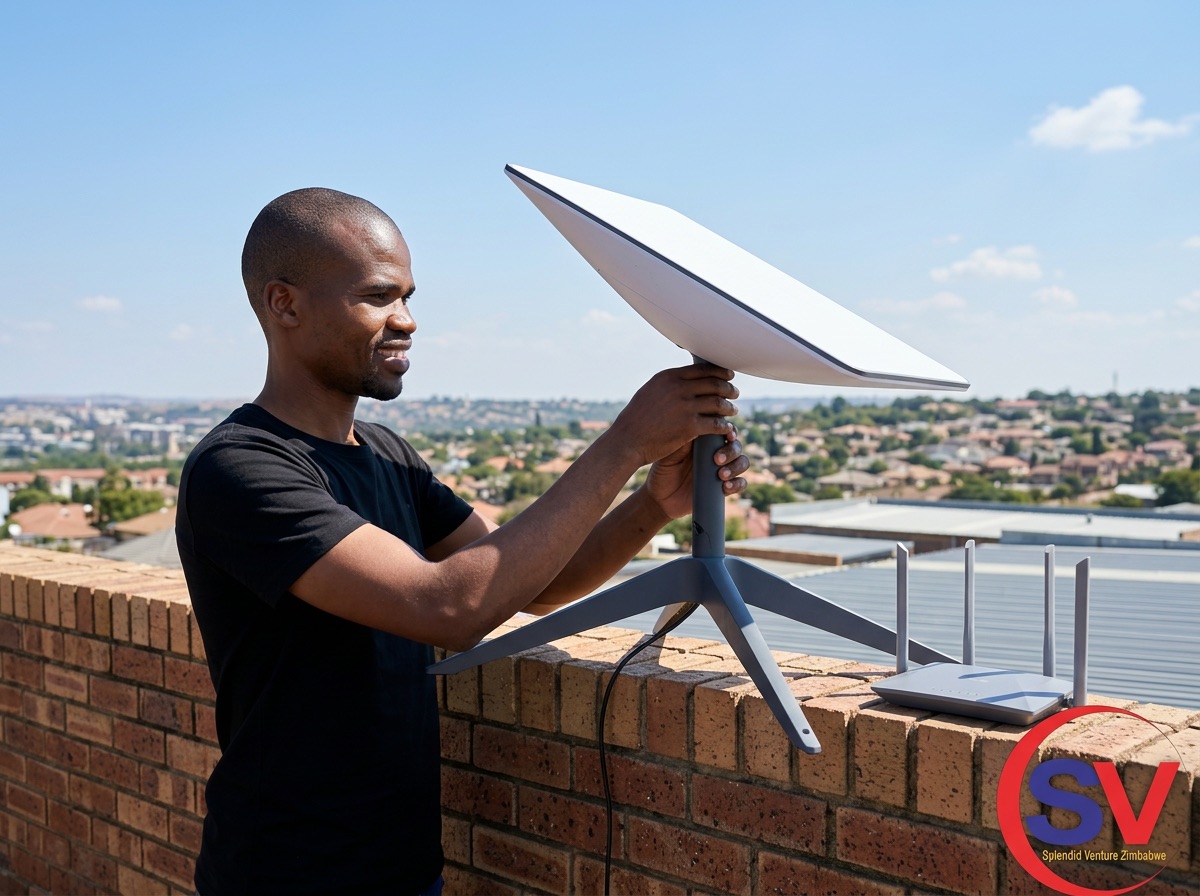
Starlink can provide useful connectivity where fixed internet is limited, but the dish is only one part of the installation. Obstructions, weak mounting, damaged cables and poor indoor Wi-Fi placement can all reduce the experience.
Give the dish a clear and stable view
Use the obstruction-checking feature in the Starlink app and observe the site over time. Trees, roof edges, walls and nearby structures can interrupt satellite tracking and cause brief dropouts.
- Choose a location with a wide view of the sky
- Use a secure mount designed for wind and weather
- Avoid positions where water collects around connectors
- Keep safe distance from power lines and fragile roof areas
Protect the cable route
Plan the path before drilling. Avoid sharp bends, crushing, unsupported spans and doors or windows that can cut the cable. Exterior entry points should be sealed without trapping water.
- Use smooth bends and suitable clips
- Create a drip loop before the cable enters the building
- Keep network cable separated from electrical hazards
- Provide surge and power protection appropriate to the site
Plan indoor Wi-Fi coverage
The Starlink router should be placed openly and centrally. Large buildings, thick walls and multiple floors may need access points or a mesh system, ideally with wired backhaul for stable performance.
Final takeaway
The fastest internet connection still feels slow when the indoor network is weak. Treat dish placement, cable protection and Wi-Fi distribution as one complete installation.