A device that will not charge does not always need a new battery. The fault can be anywhere between the wall socket and the charging circuit, so replacing parts without testing can waste money and create new problems.
Start with the simple external checks
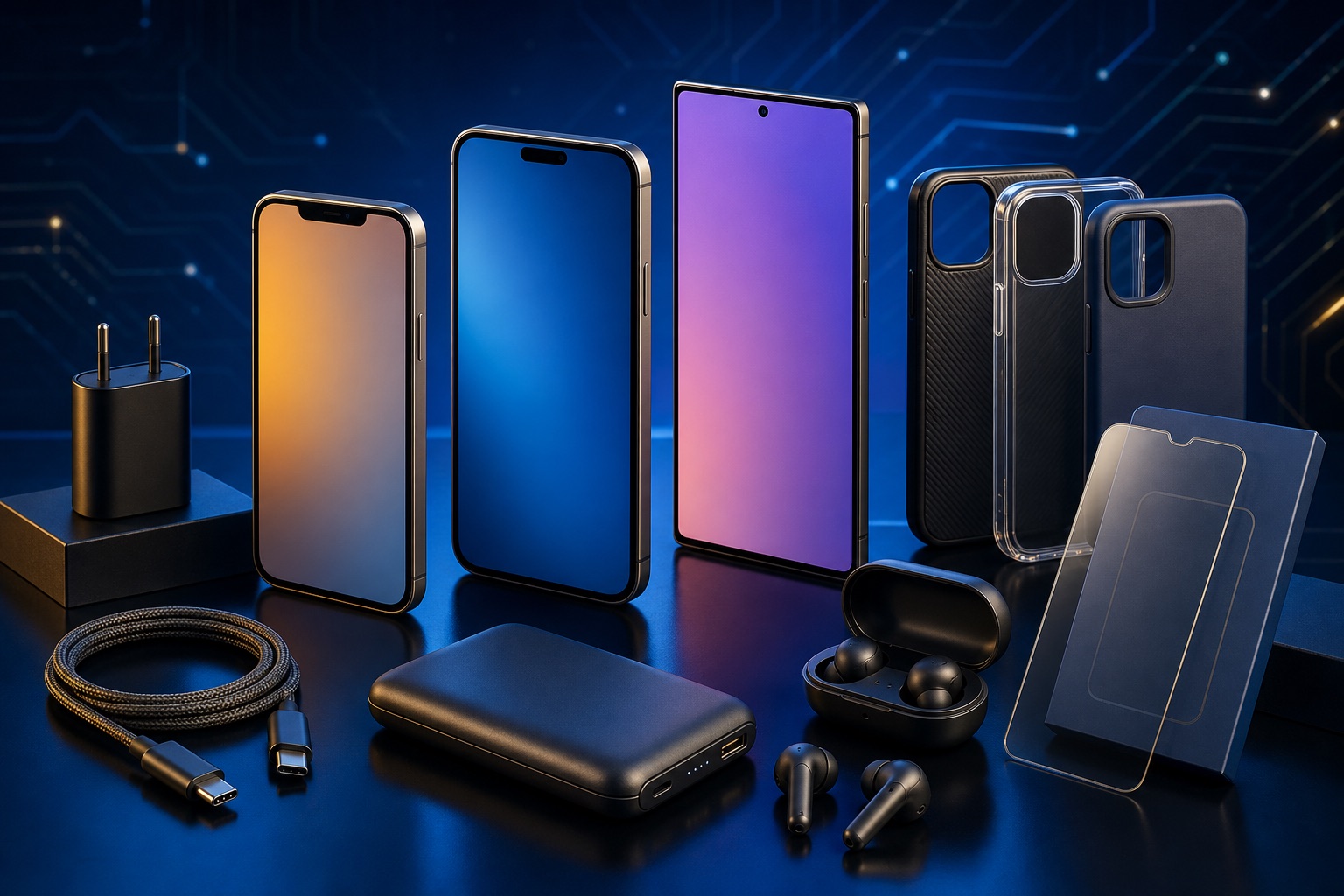
Test a known-good wall socket, inspect the cable for cuts or loose connectors and confirm that the charger provides the correct voltage and power. Cheap or damaged adapters may charge slowly, disconnect or overheat.
- Try a compatible cable and adapter
- Remove lint from the port only with safe, non-metal tools
- Restart the device and check for moisture warnings
- Look for heat, swelling or a burnt smell
Common internal charging faults
Charging ports wear out, batteries lose capacity and power-management components can fail after impact, liquid exposure or unstable power. Laptops may also reject an adapter with the wrong wattage or identification signal.
- Loose or damaged USB/charging port
- Worn battery or damaged battery connector
- Charging-controller or main-board fault
- Liquid corrosion around the port or power circuit
When to stop troubleshooting
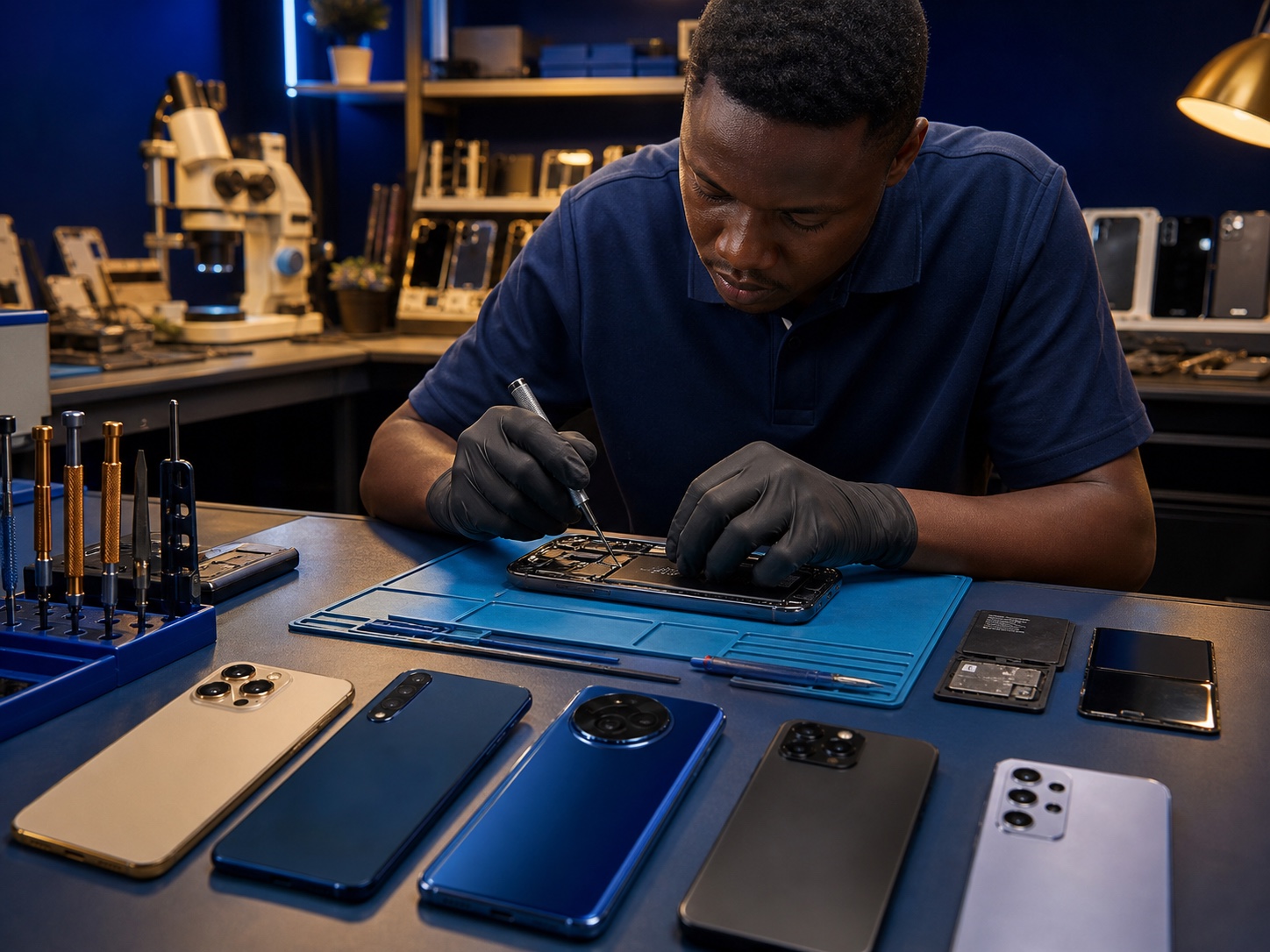
Stop using the device if it becomes unusually hot, the battery swells or there is a burning smell. Do not repeatedly force a plug into a loose port. Professional testing can confirm the fault before parts are ordered.
Final takeaway
A good repair begins with measurement, not guesswork. Bring the charger with the device so the technician can test the complete charging system.